

Claude Code
Claude Code configuration guide — use Anthropic's terminal-based coding agent with Lamafa. Supports code understanding, multi-file editing, and IDE integration.
Demo

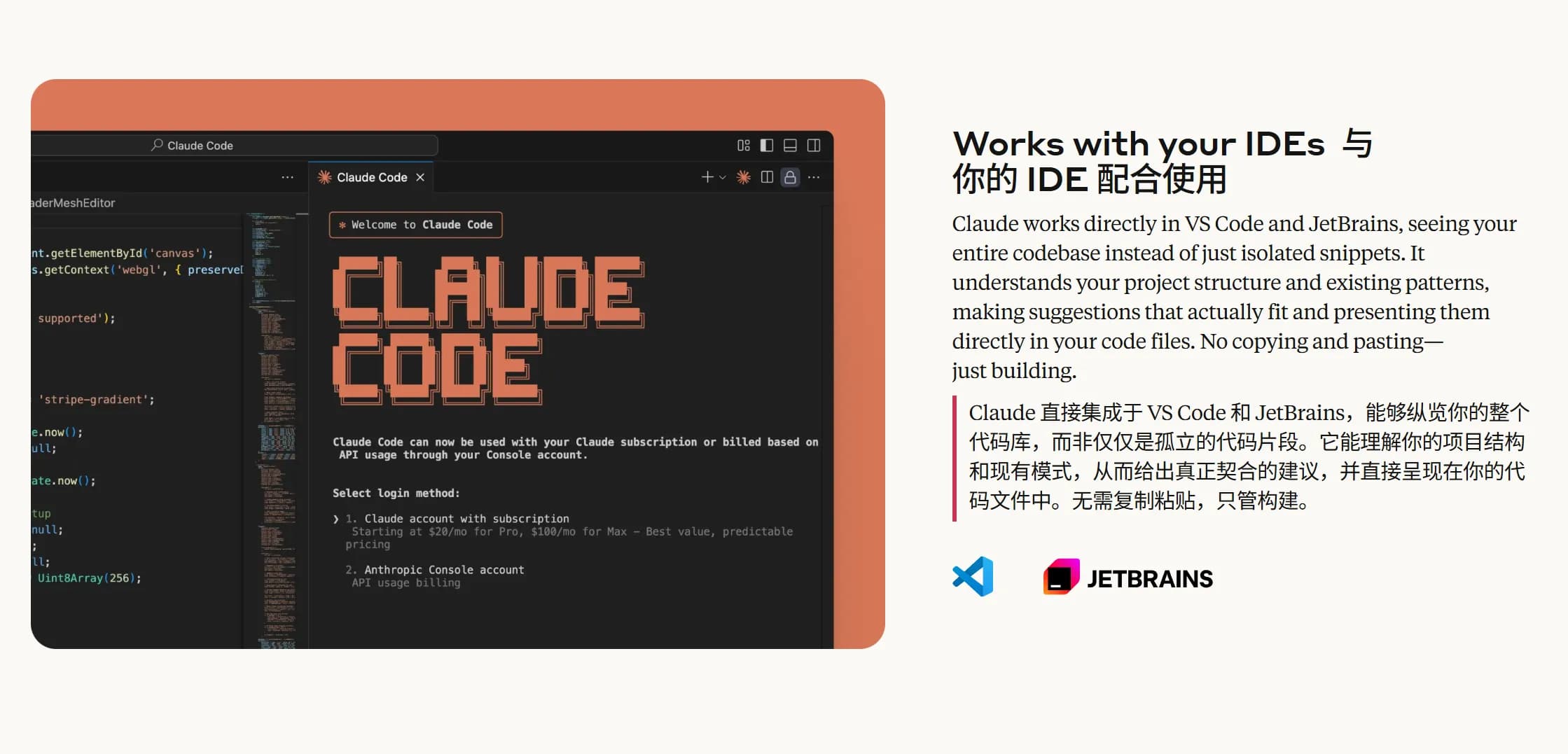
Features
| Category | Feature |
|---|---|
| Code Understanding | Deep codebase analysis, utilizing intelligent agents to search and understand project structure and dependencies |
| Automatically generates high-level code overviews, quickly helping users understand the codebase | |
| Code Editing | Supports multi-file collaborative editing, suitable for complex code modifications |
| Provides practical and usable code suggestions that align with project patterns and architecture | |
| Integration Capabilities | Supports direct execution in the terminal, eliminating context switching |
| Seamless integration with VS Code and JetBrains IDEs, no copy-pasting required | |
| Code Generation & Optimization | Automatically generates code, creates tests, fixes bugs, supporting the complete process from concept to commit |
| Optimized for code generation and understanding, combining advanced models like Claude Opus 4 | |
| Security & Flexibility | Changes require explicit user authorization, ensuring safer file and command operations |
| Adapts to user code standards, supports custom configurations | |
| Toolchain Integration | Supports integration with tools like GitHub and GitLab to achieve automated workflows |
| Integrates with test suites and build systems, enhancing existing development tools | |
| Cross-Platform & Extensibility | Supports Windows, macOS, and Linux operating systems |
| Configurable to run in SDKs or GitHub Actions, flexibly adapting to different needs | |
| Key Application Scenarios | Codebase onboarding and understanding, quick ramp-up for new members |
| Code issue fixing and optimization processes, from problem analysis to PR submission | |
| Project code refactoring and new feature implementation | |
| User Feedback Highlights | Improves daily development efficiency, saving time spent on routine tasks |
| Excellent performance in handling complex multi-step tasks, expanding development possibilities |
AI Model Configuration Method
Windows Graphical Guide
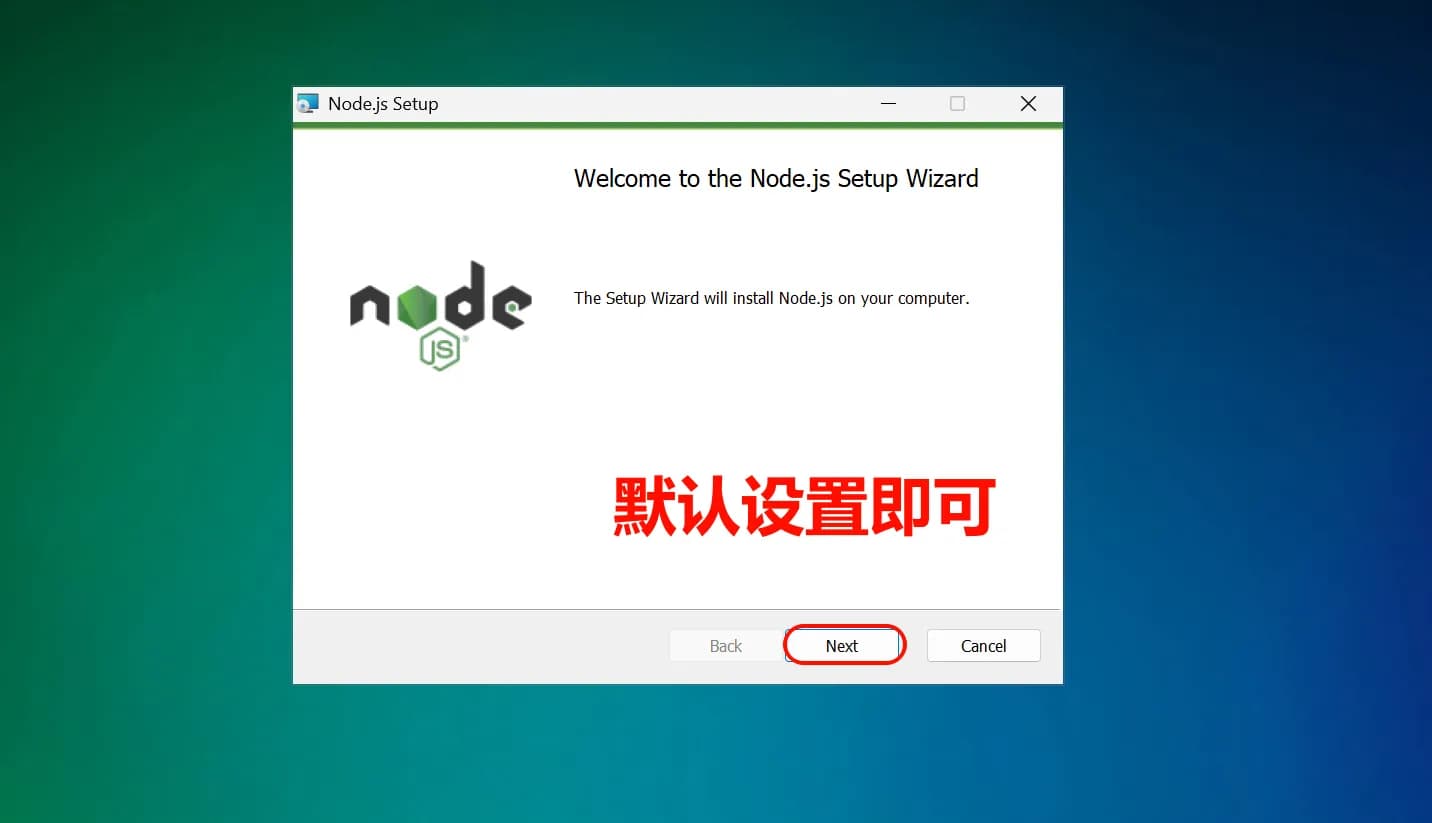
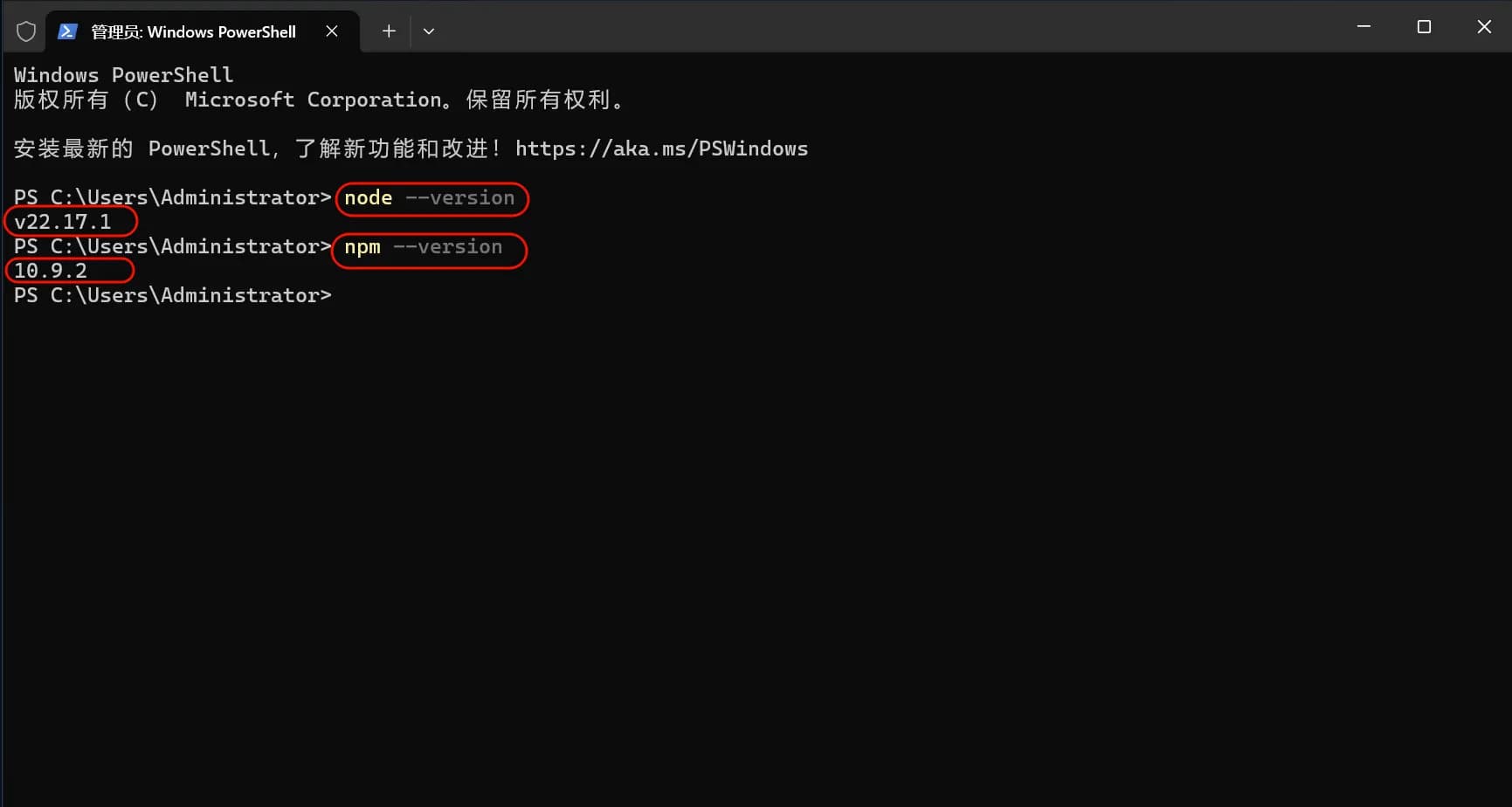
1. Install Node.js Environment
Claude Code requires a Node.js environment to run.



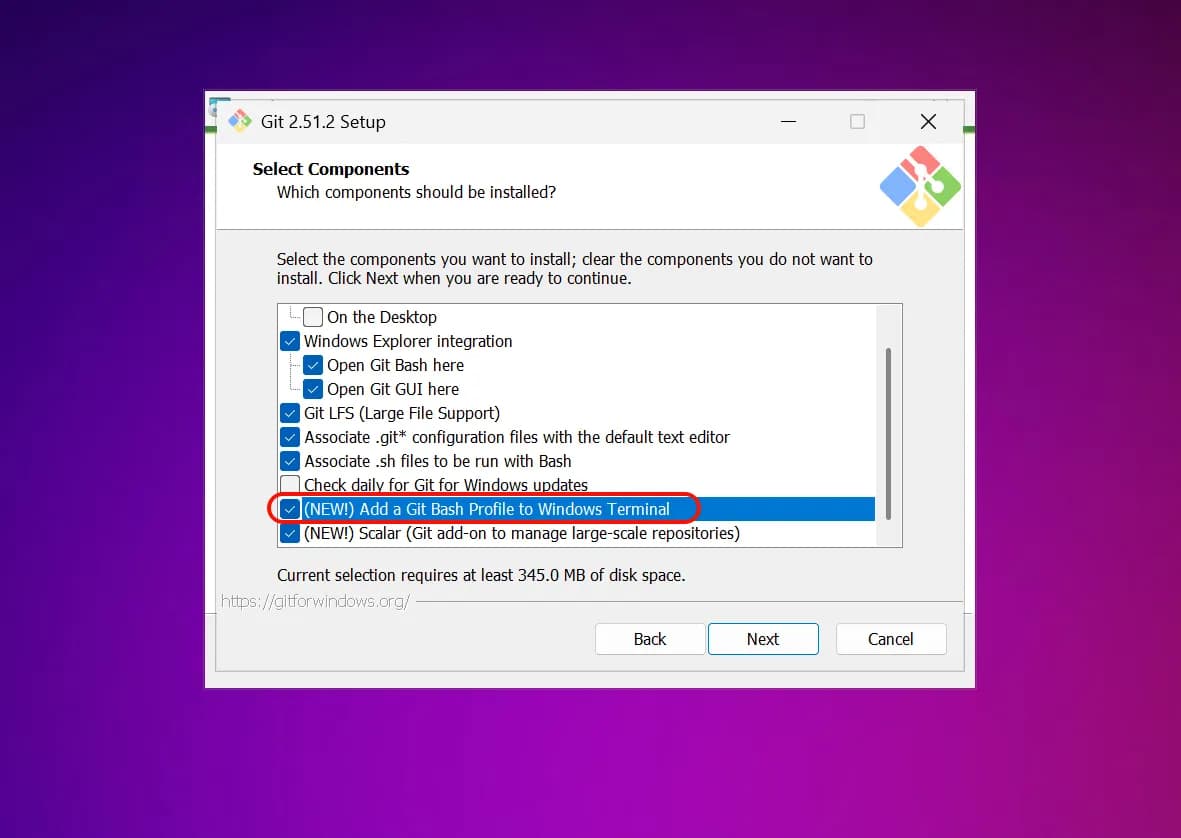
2. Install Git Bash


3. Install Claude Code

4. Set Environment Variables
iex (irm '')
5. Start Using Claude Code
You can now start using Claude Code!
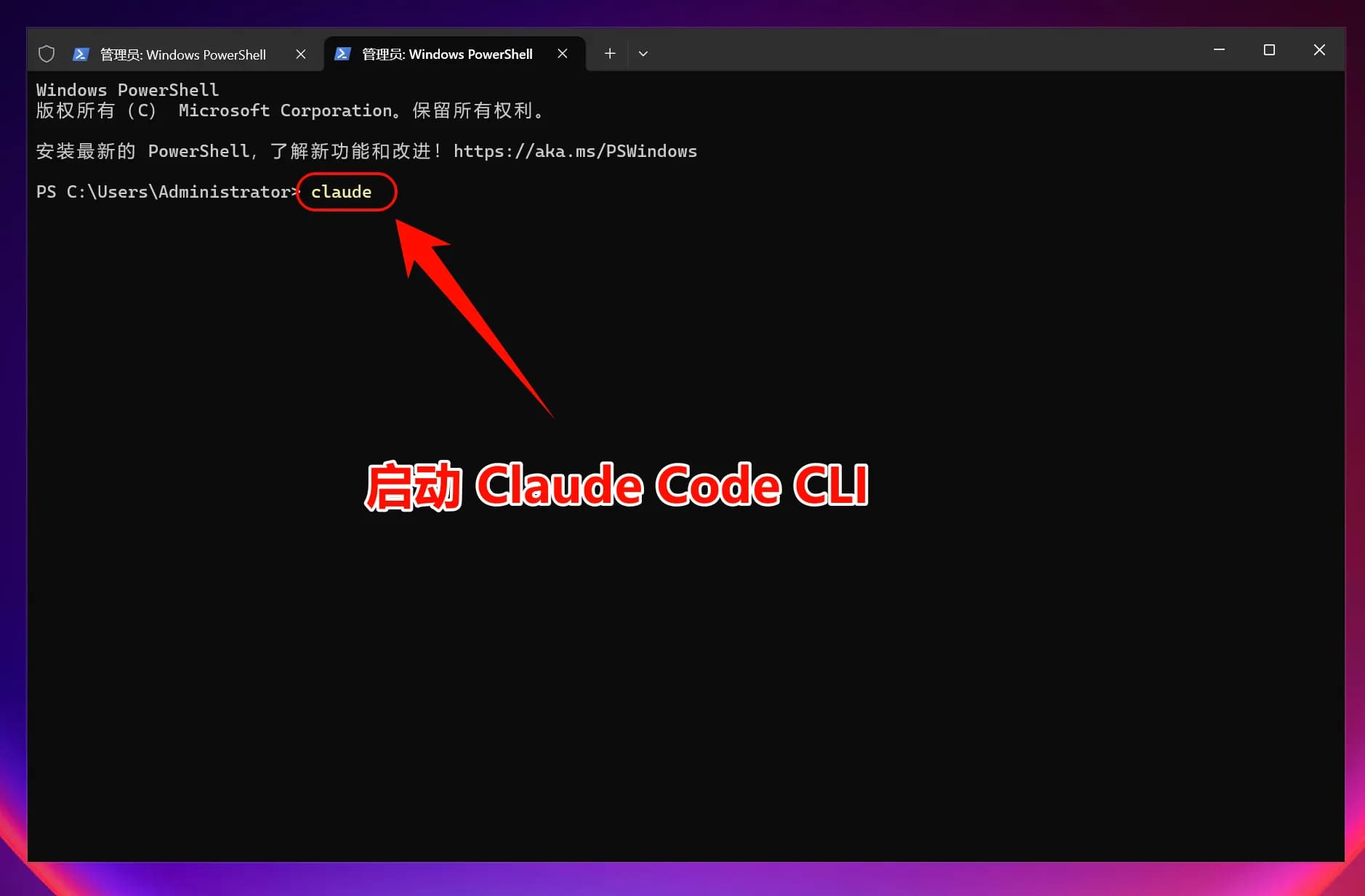
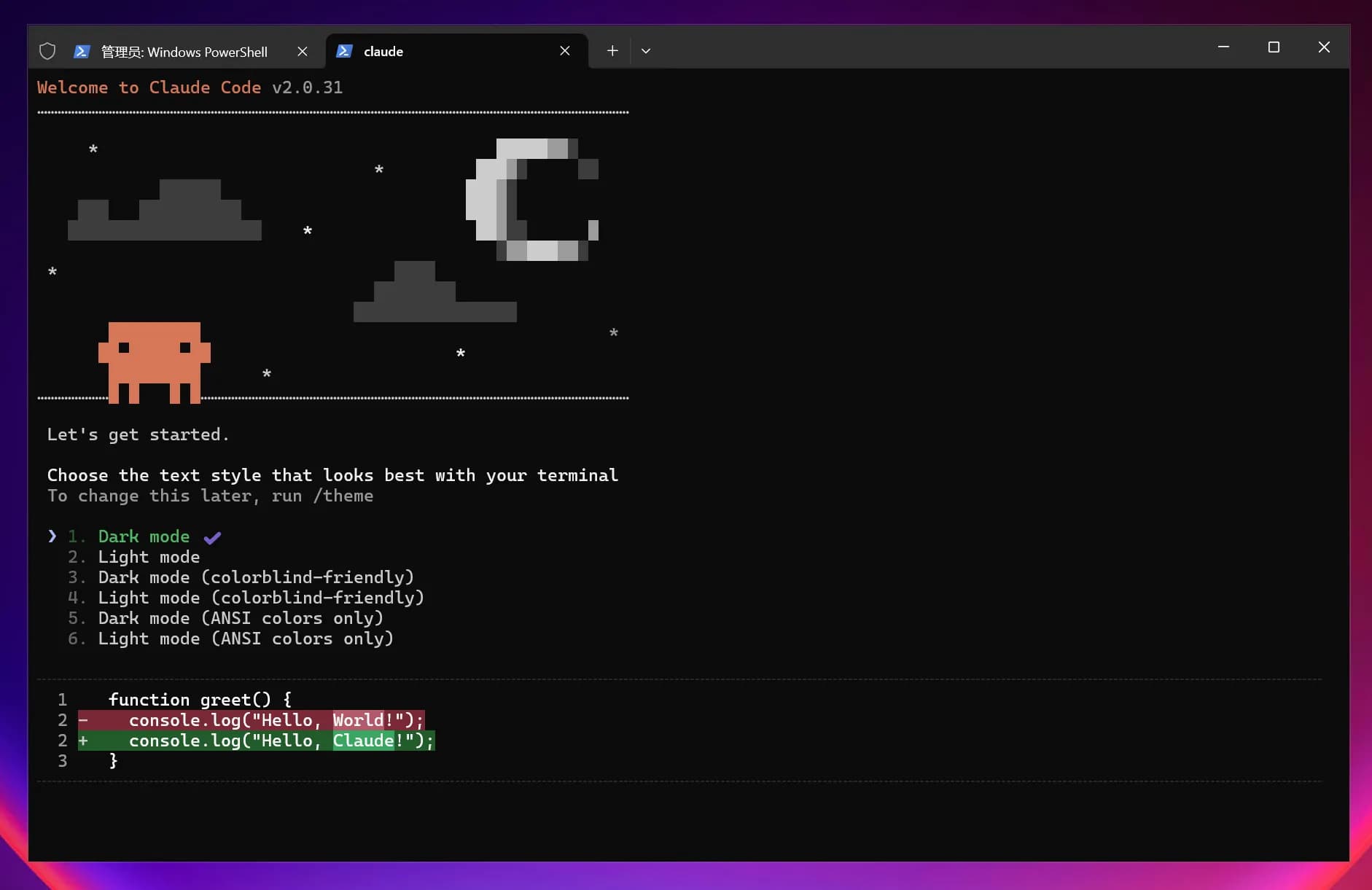
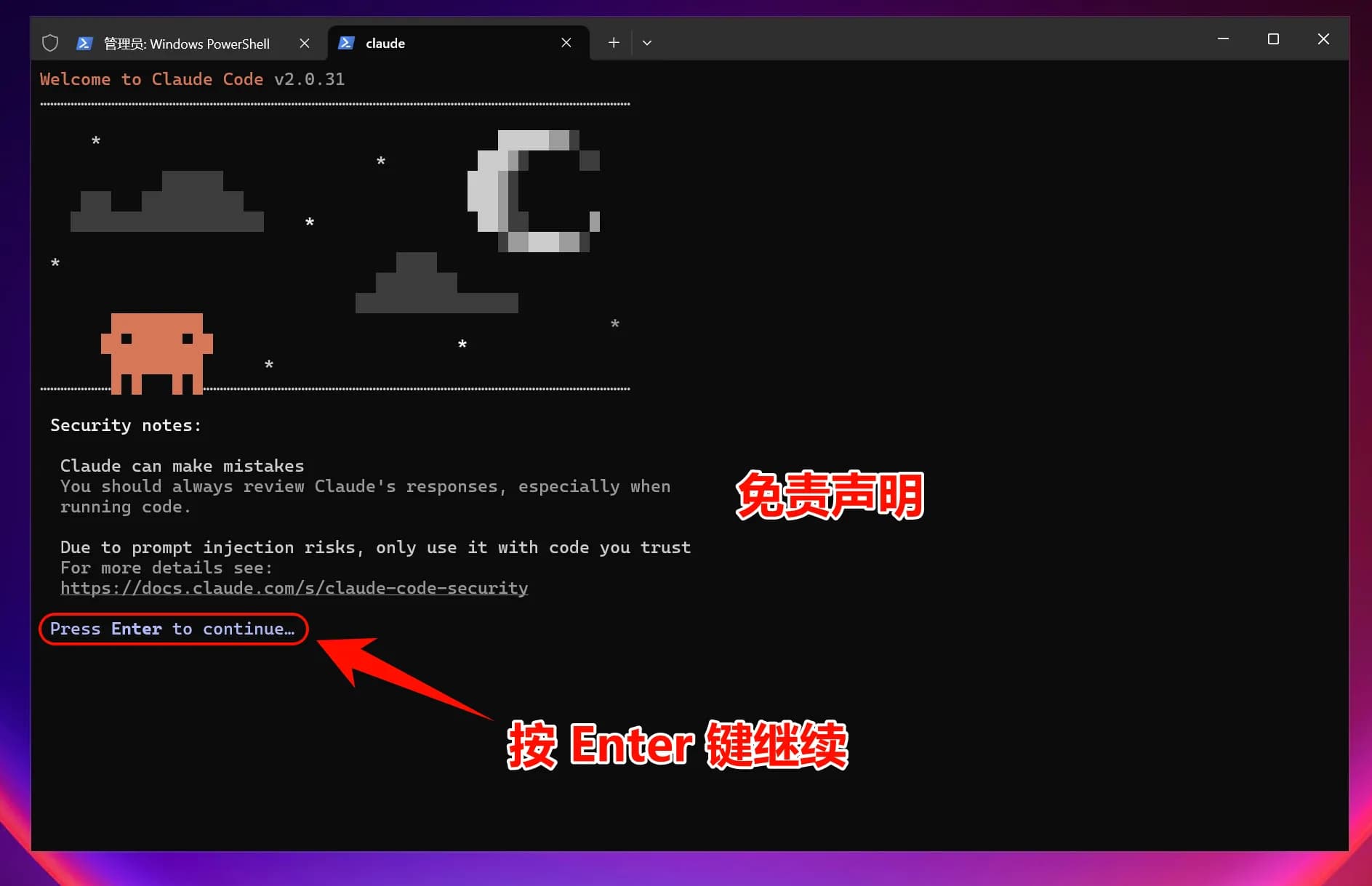
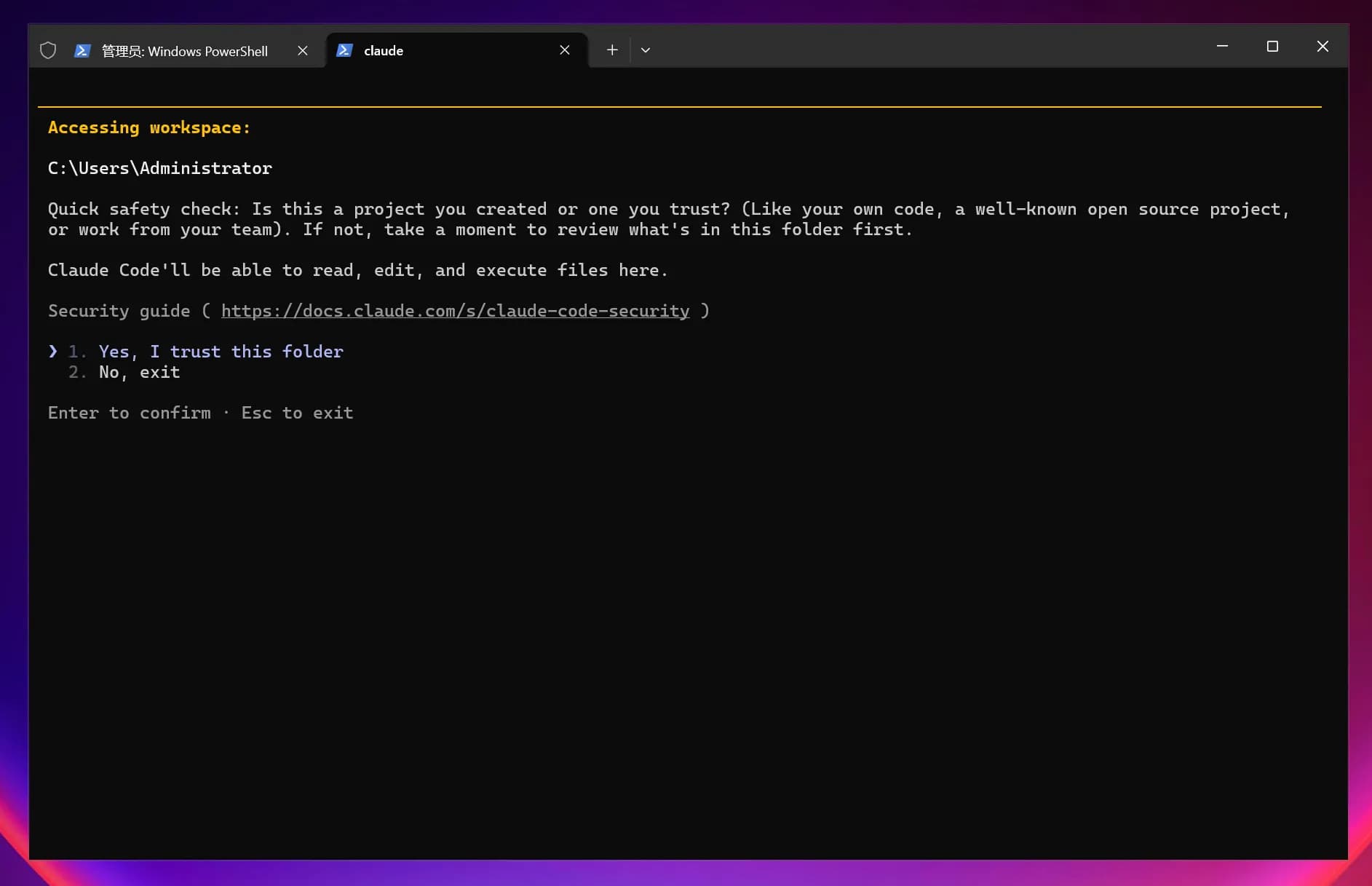


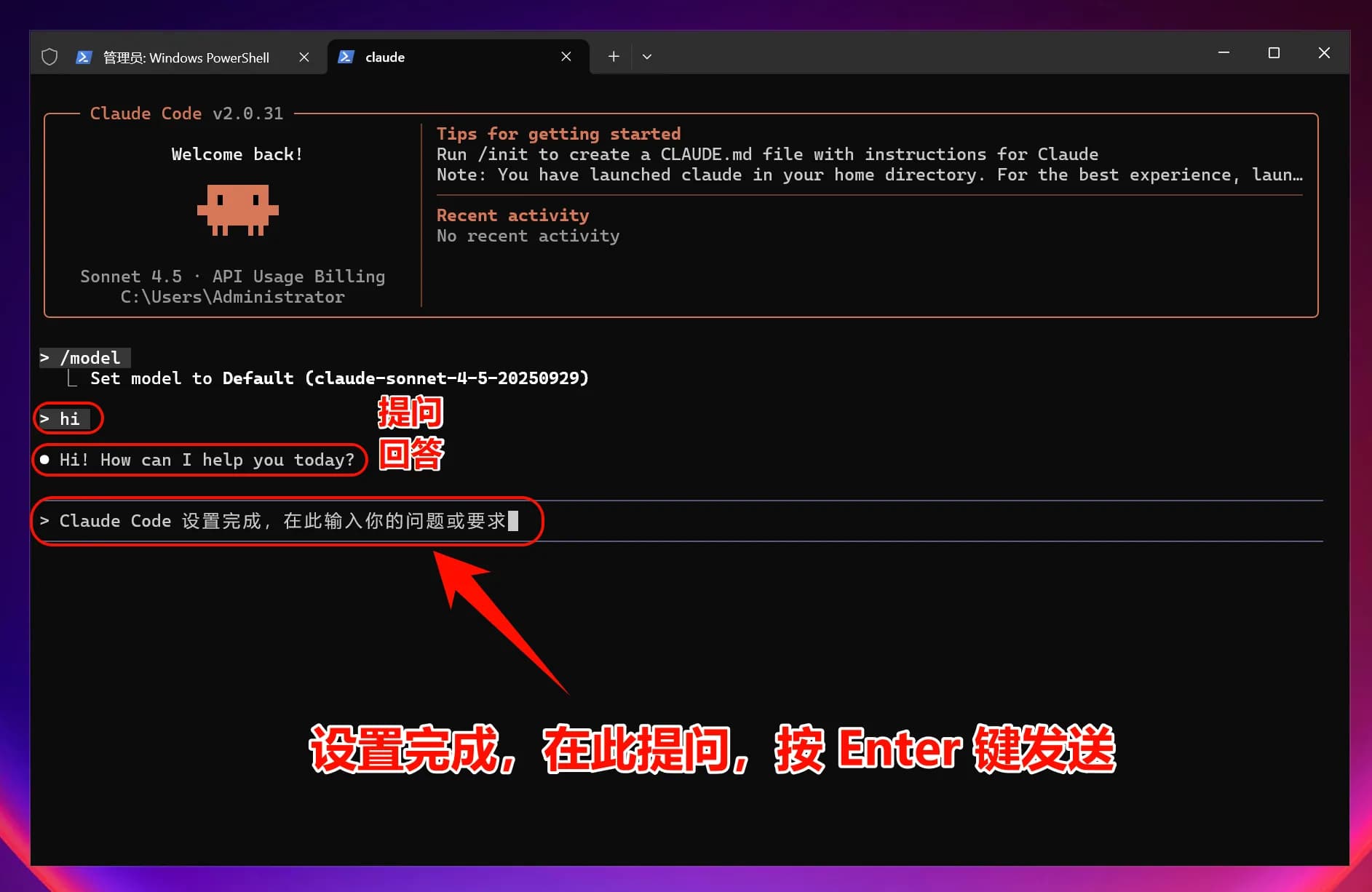
Note: After modifying environment variables, all models (including officially preset models) will call the custom access point instead of using official account quotas.
macOS Graphical Guide
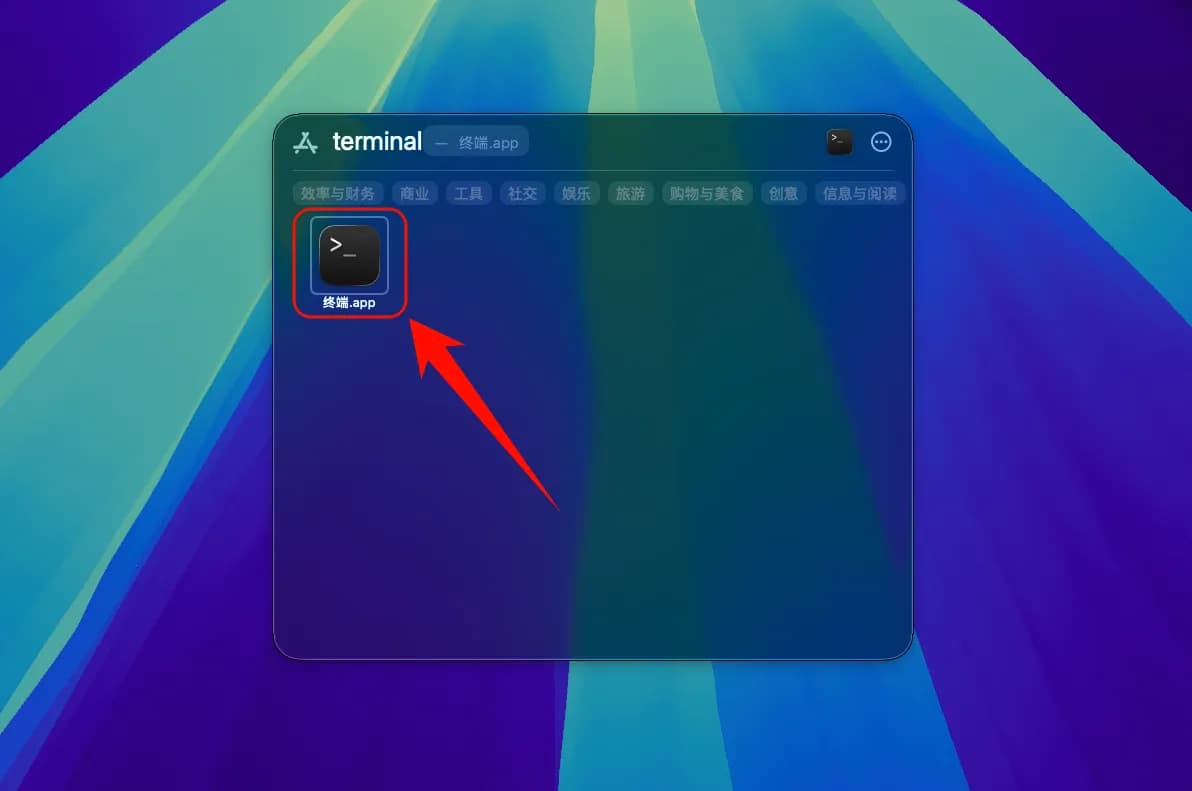
1. Install Claude Code CLI
Open Terminal

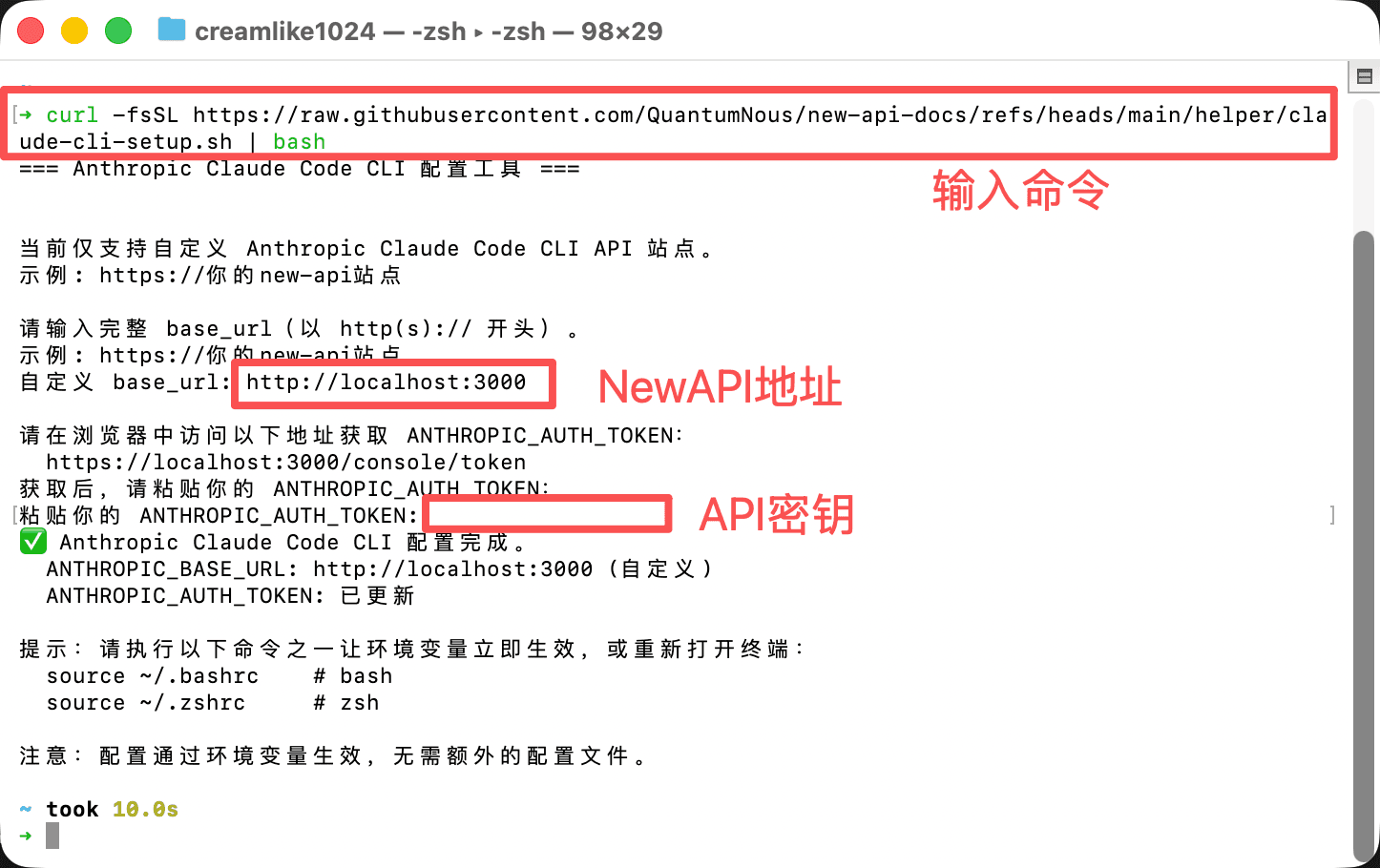
2. Set Environment Variables
To allow Claude Code to connect to a third-party relay service, you need to set environment variables:
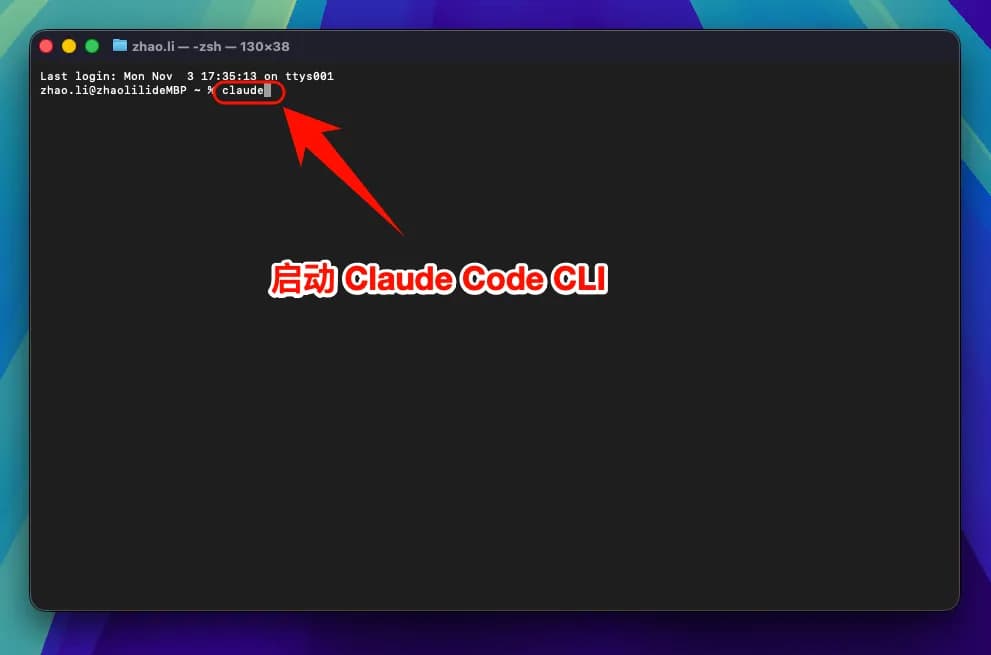
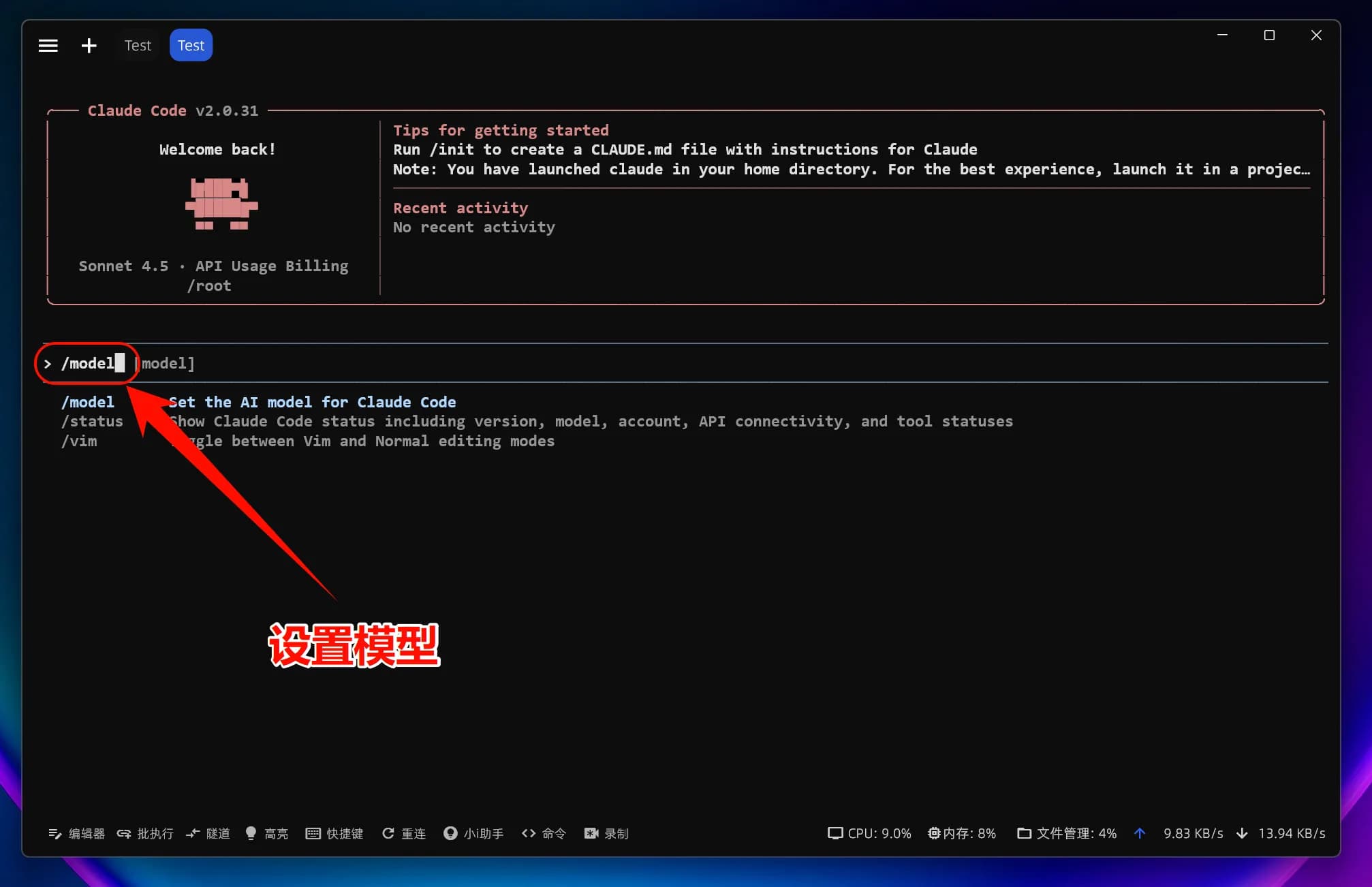
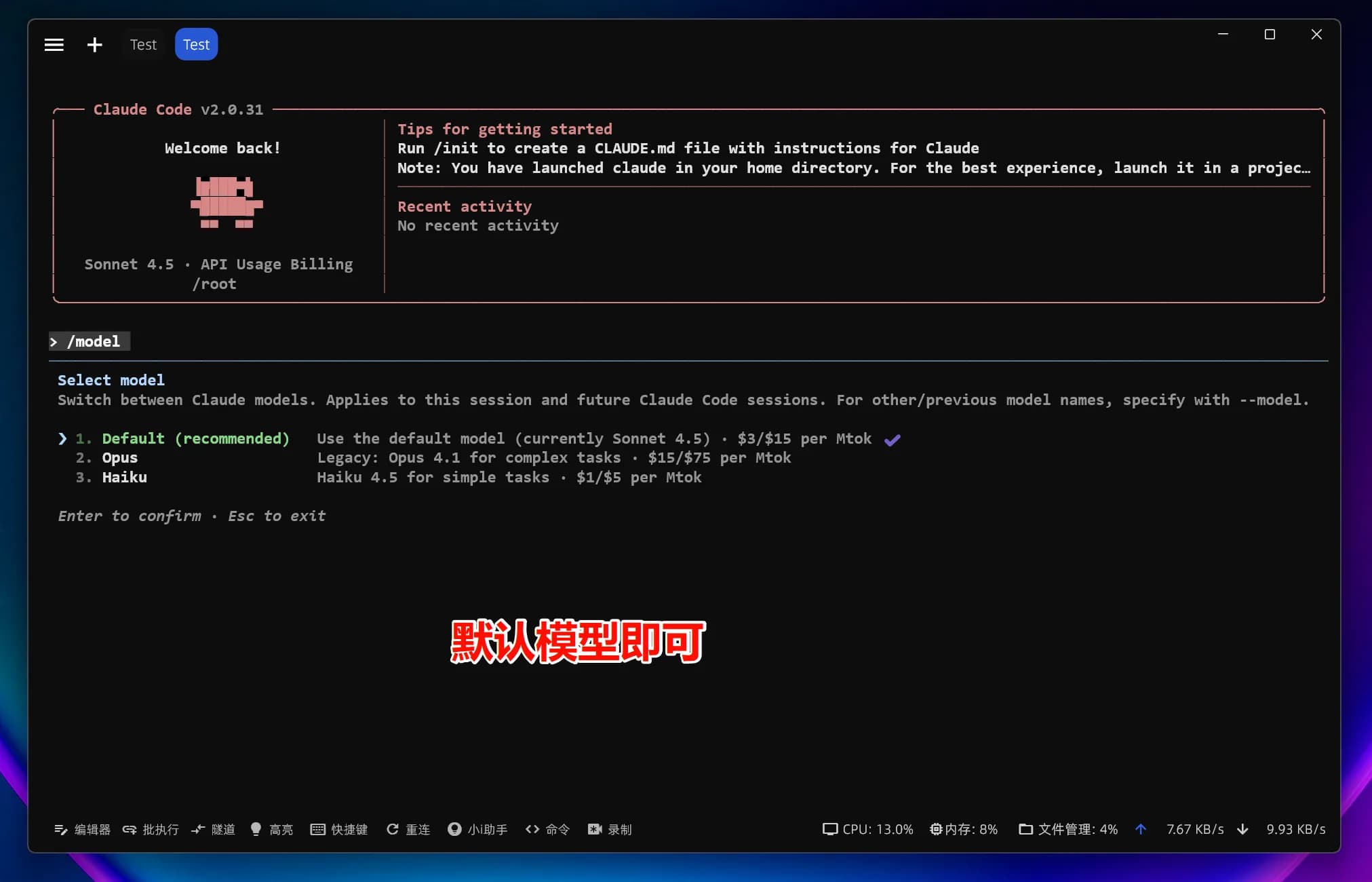
3. Start Using Claude Code
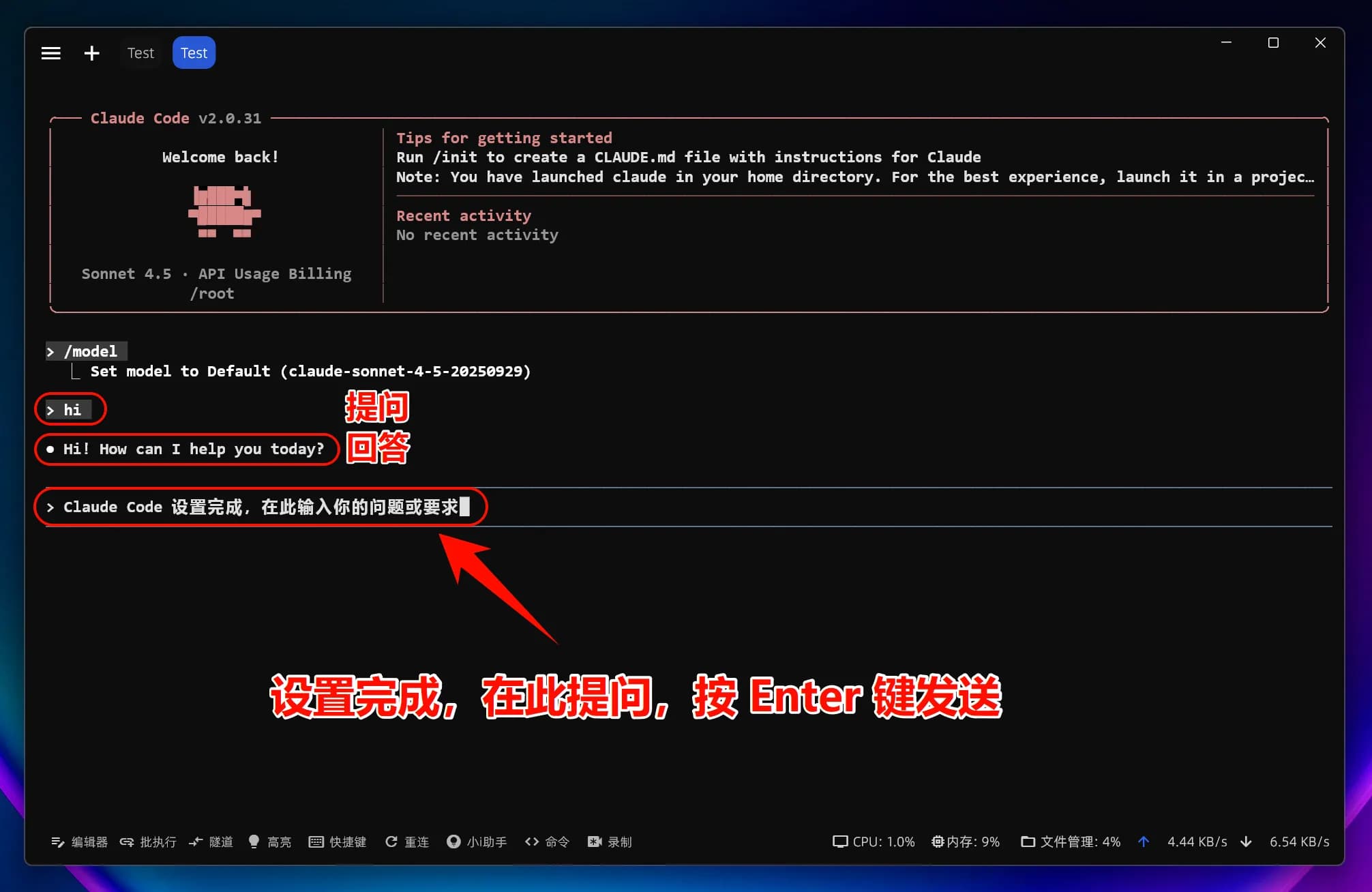
You can now start using Claude Code!
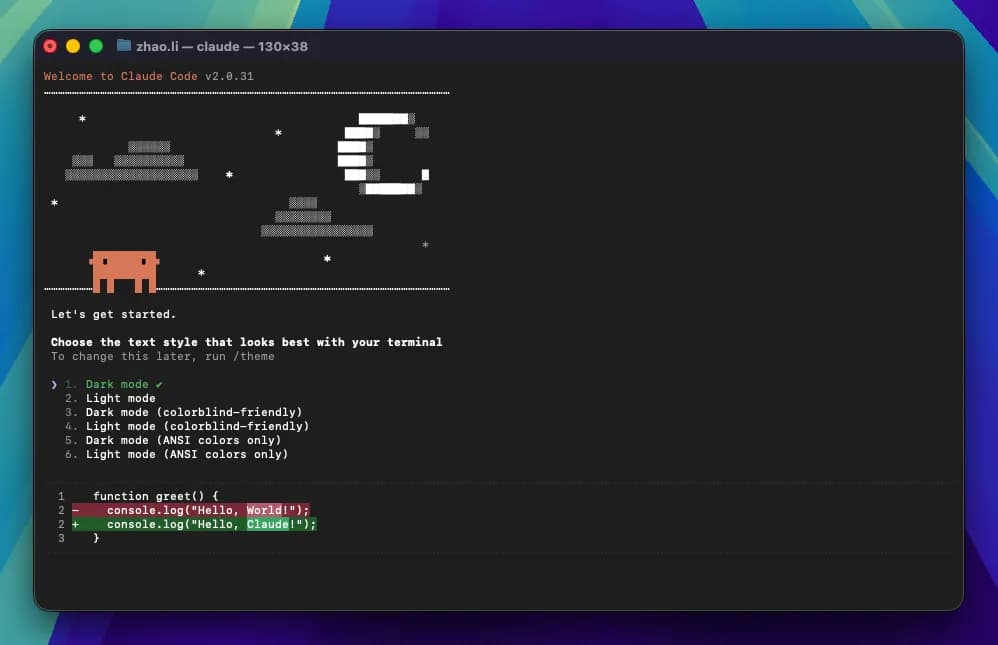
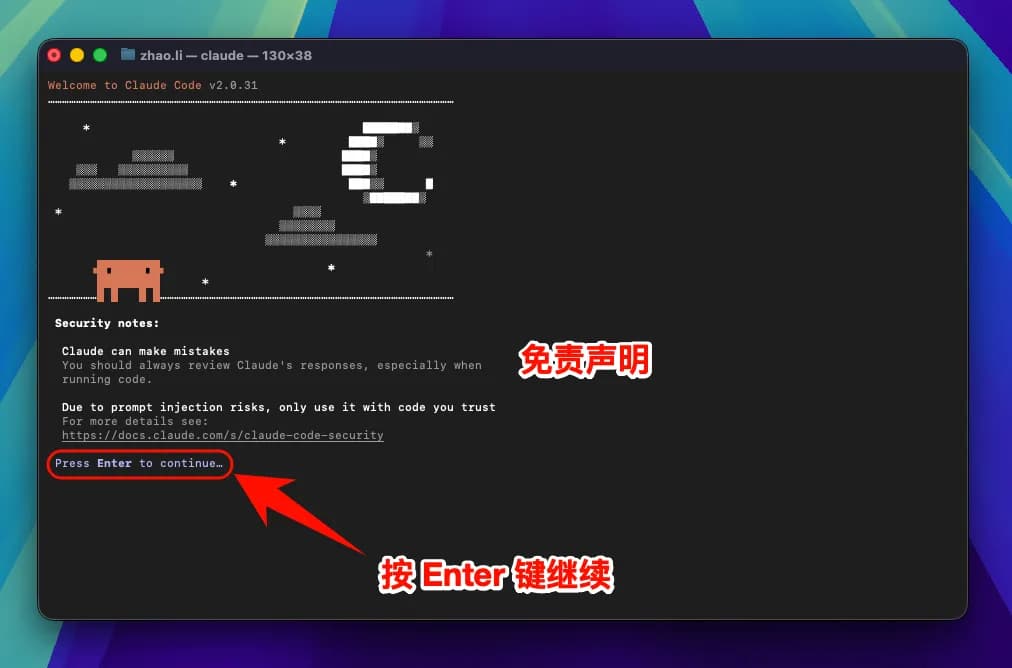
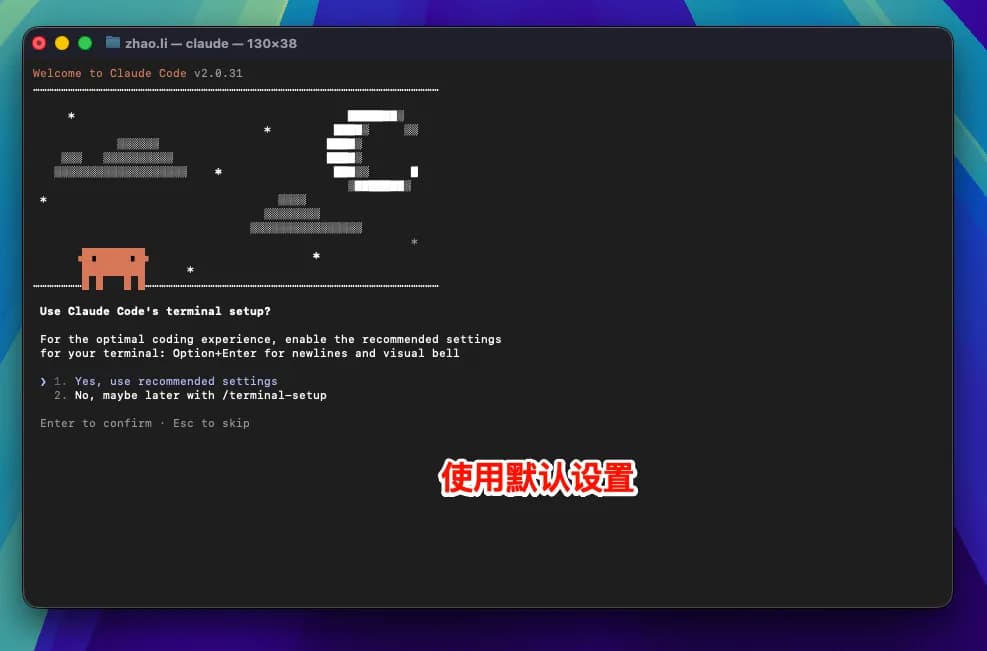

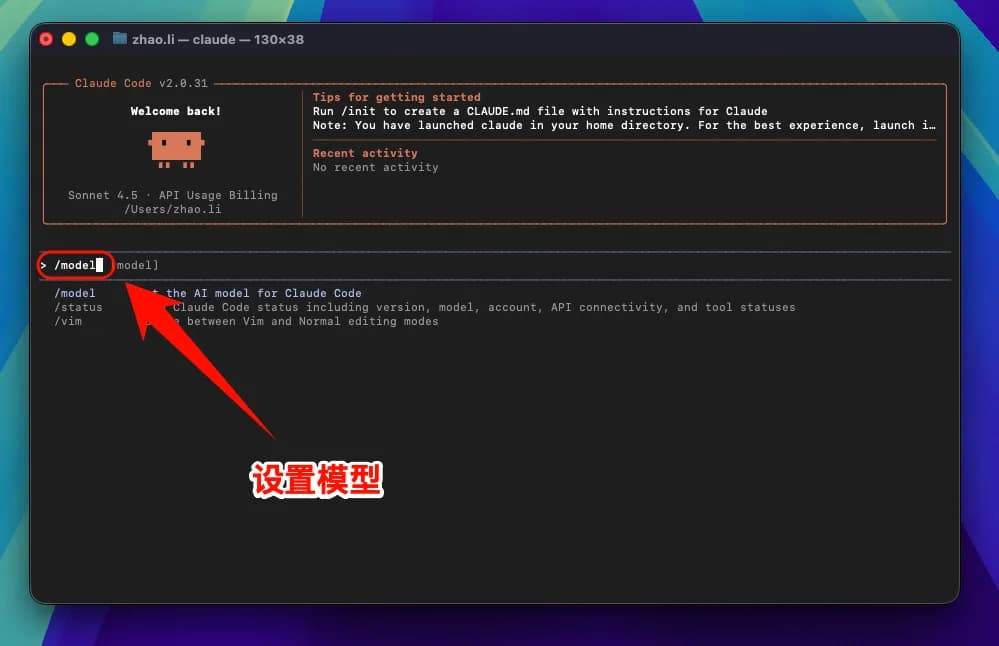
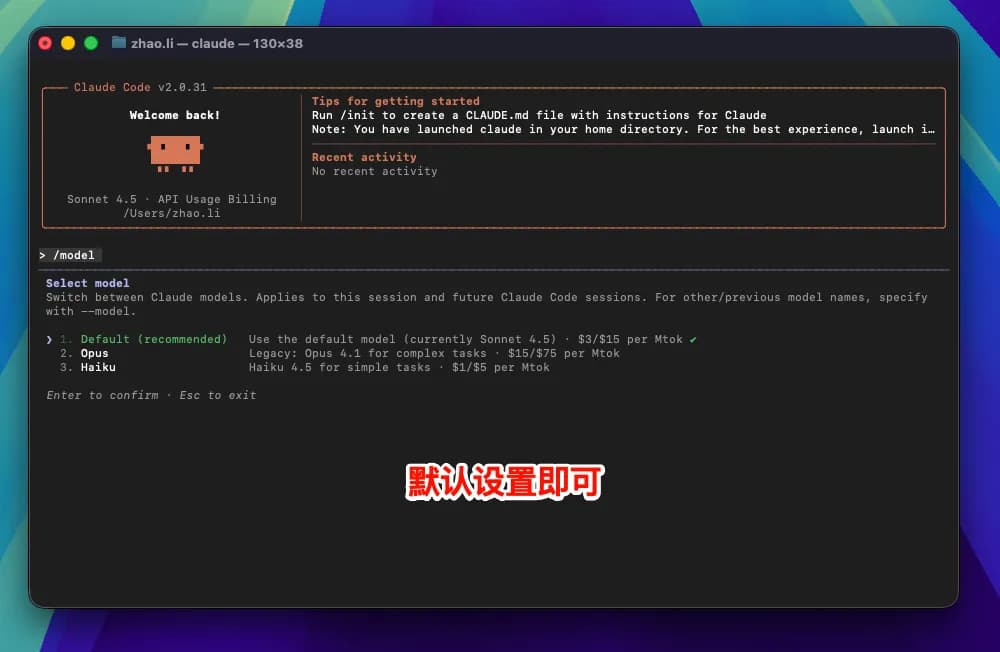
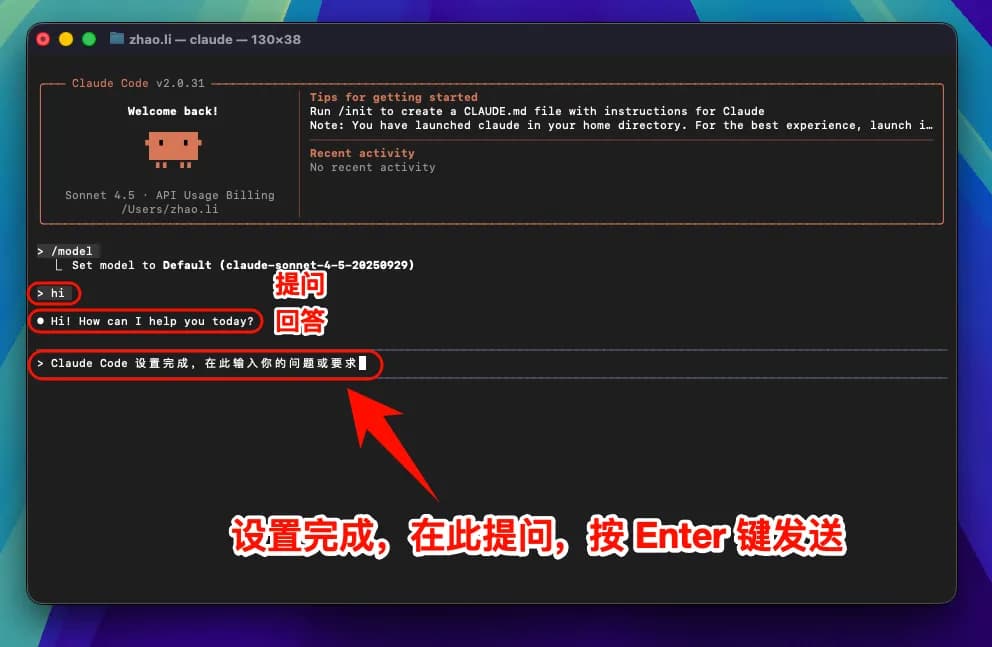
Note: After modifying the
ANTHROPIC_BASE_URLenvironment variable, all models (including officially preset models) will call the custom access point instead of using official account quotas.
4. macOS Common Issues
Linux Graphical Guide
1. Install Claude Code

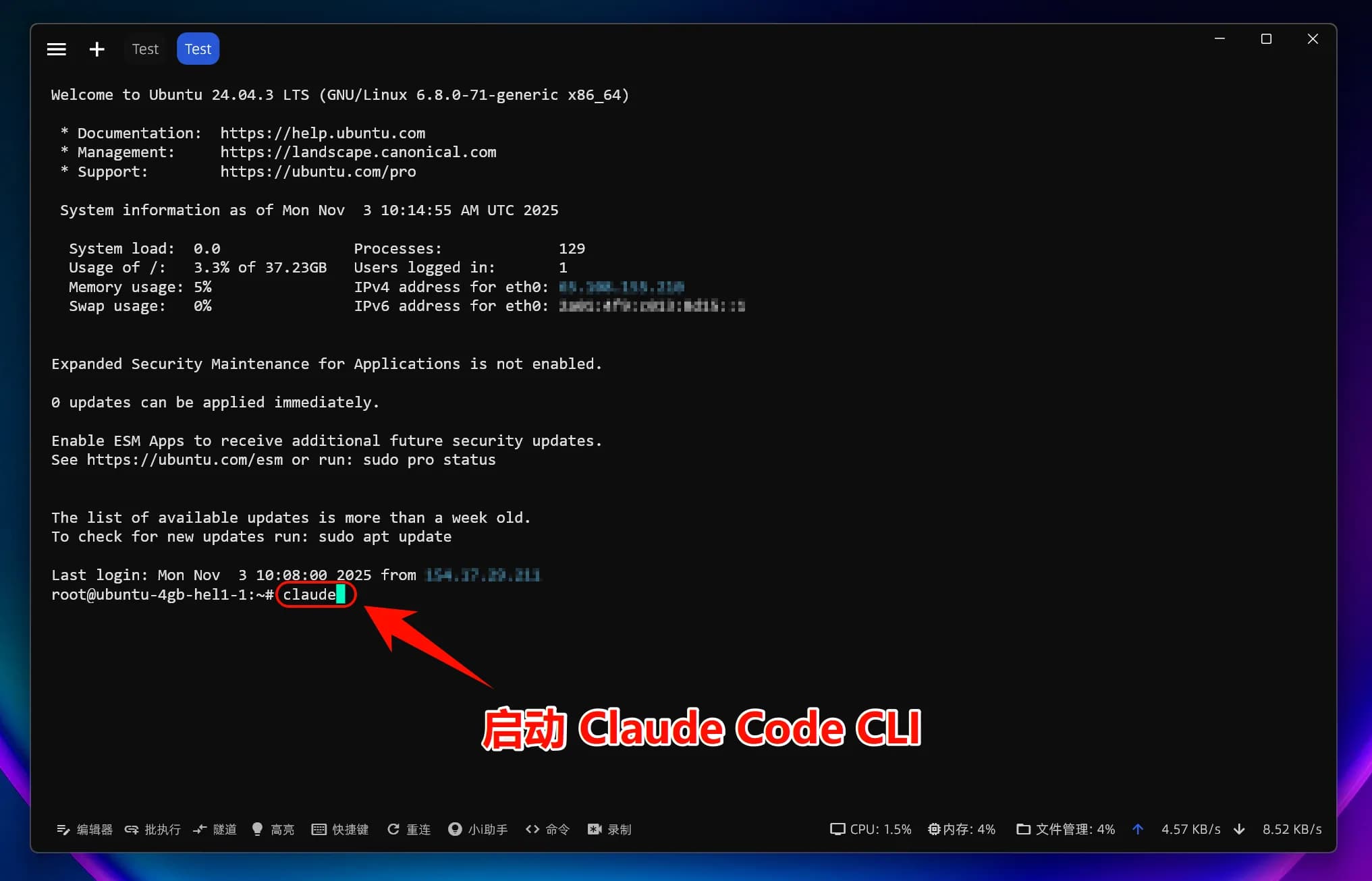
2. Set Environment Variables
To allow Claude Code to connect to your relay service, you need to set two environment variables:
3. Start Using Claude Code
You can now start using Claude Code!
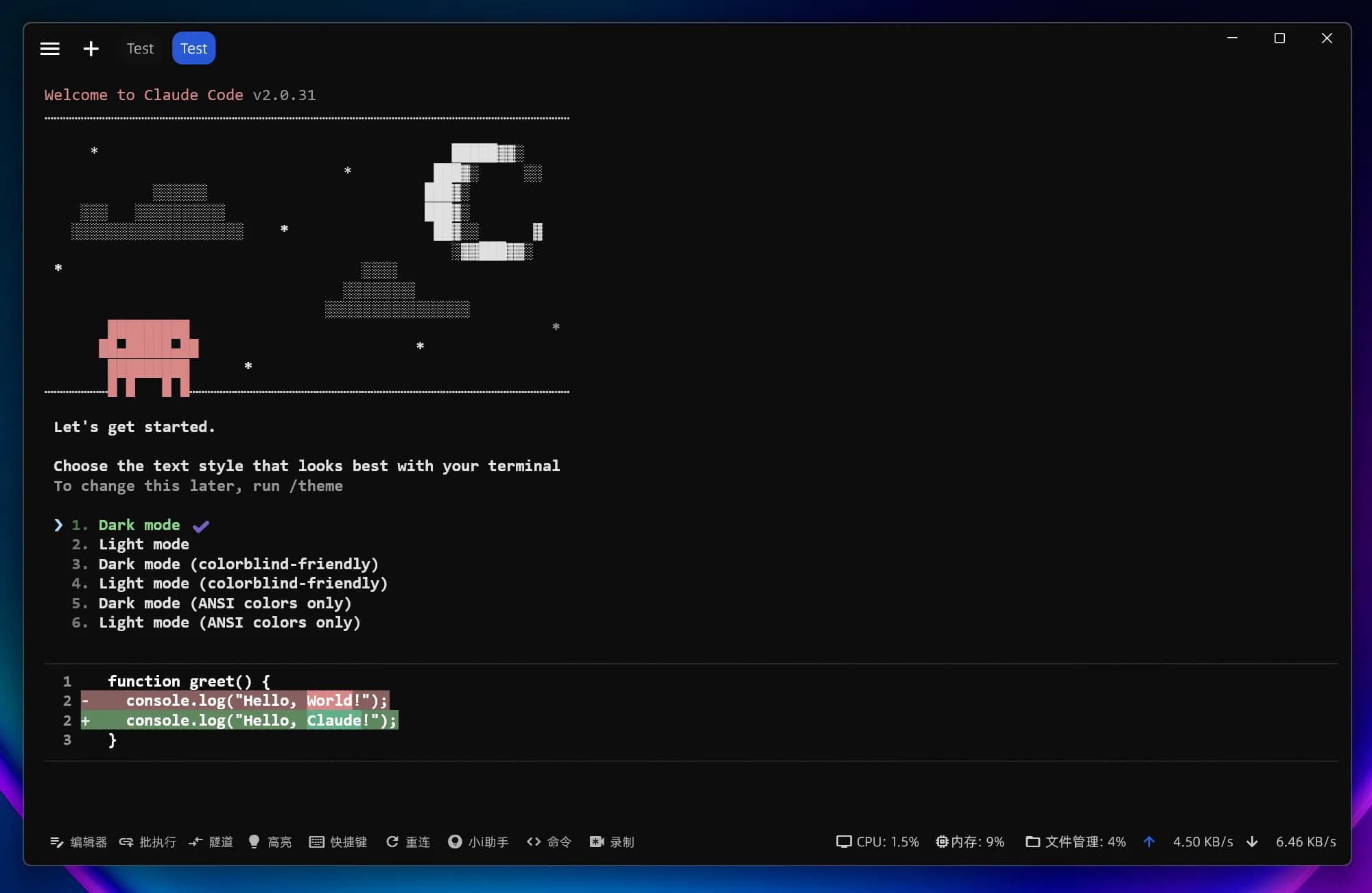


Note: After modifying the
ANTHROPIC_BASE_URLenvironment variable, all models (including officially preset models) will call the custom access point instead of using official account quotas.
4. Linux Common Issues
How is this guide?