

1Panel Panel Deployment
This document provides a graphical tutorial for deploying Lamafa using the 1Panel panel.
Prerequisites
| Item | Requirement |
|---|---|
| 1Panel Panel | Latest stable version |
| Recommended OS | Linux (Ubuntu/CentOS/Debian, etc.) |
| Server Configuration | At least 1 core and 2GB RAM |
Step 1: Install 1Panel Panel
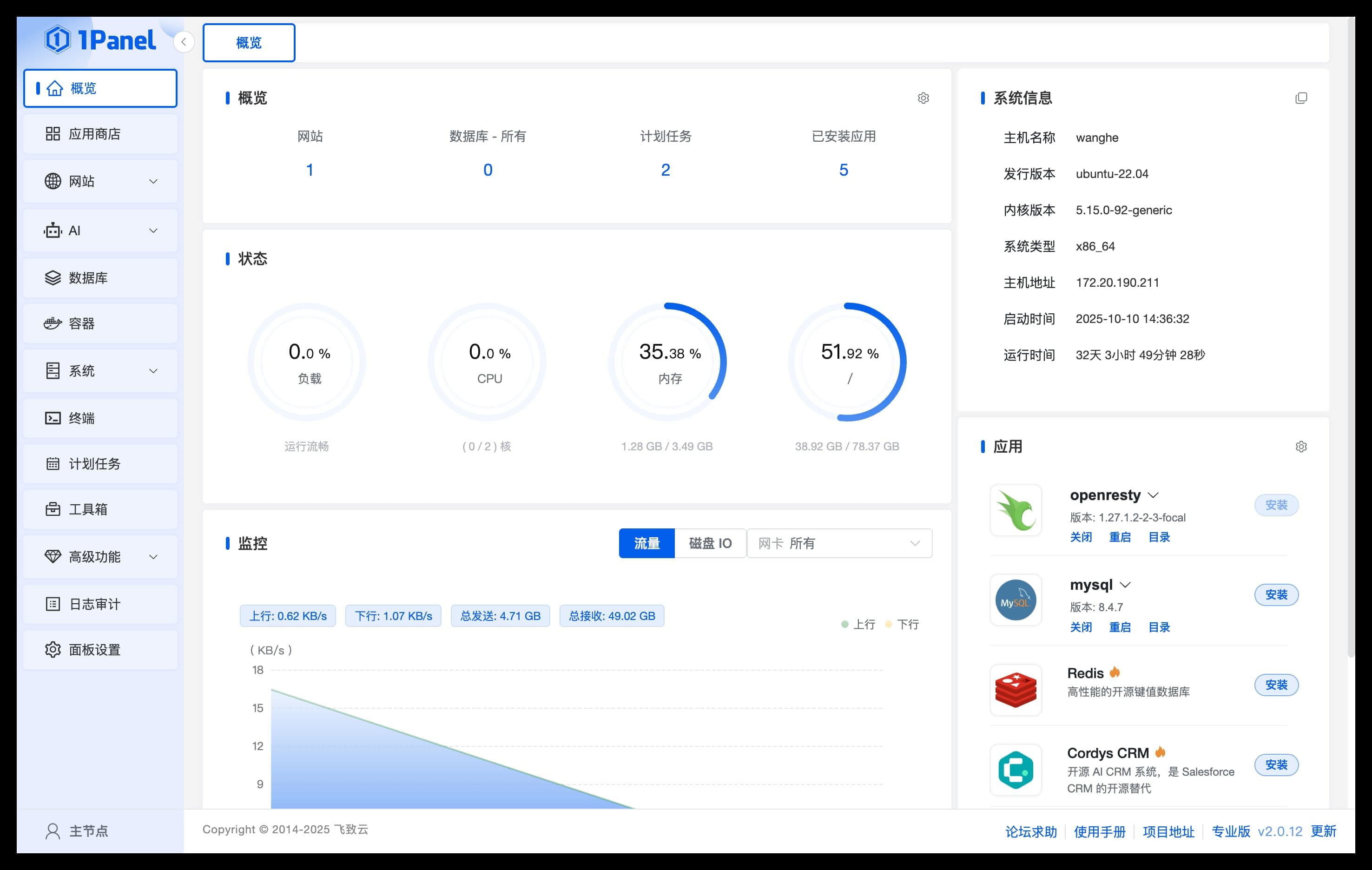
Step 2: Install Lamafa
Search for Applications

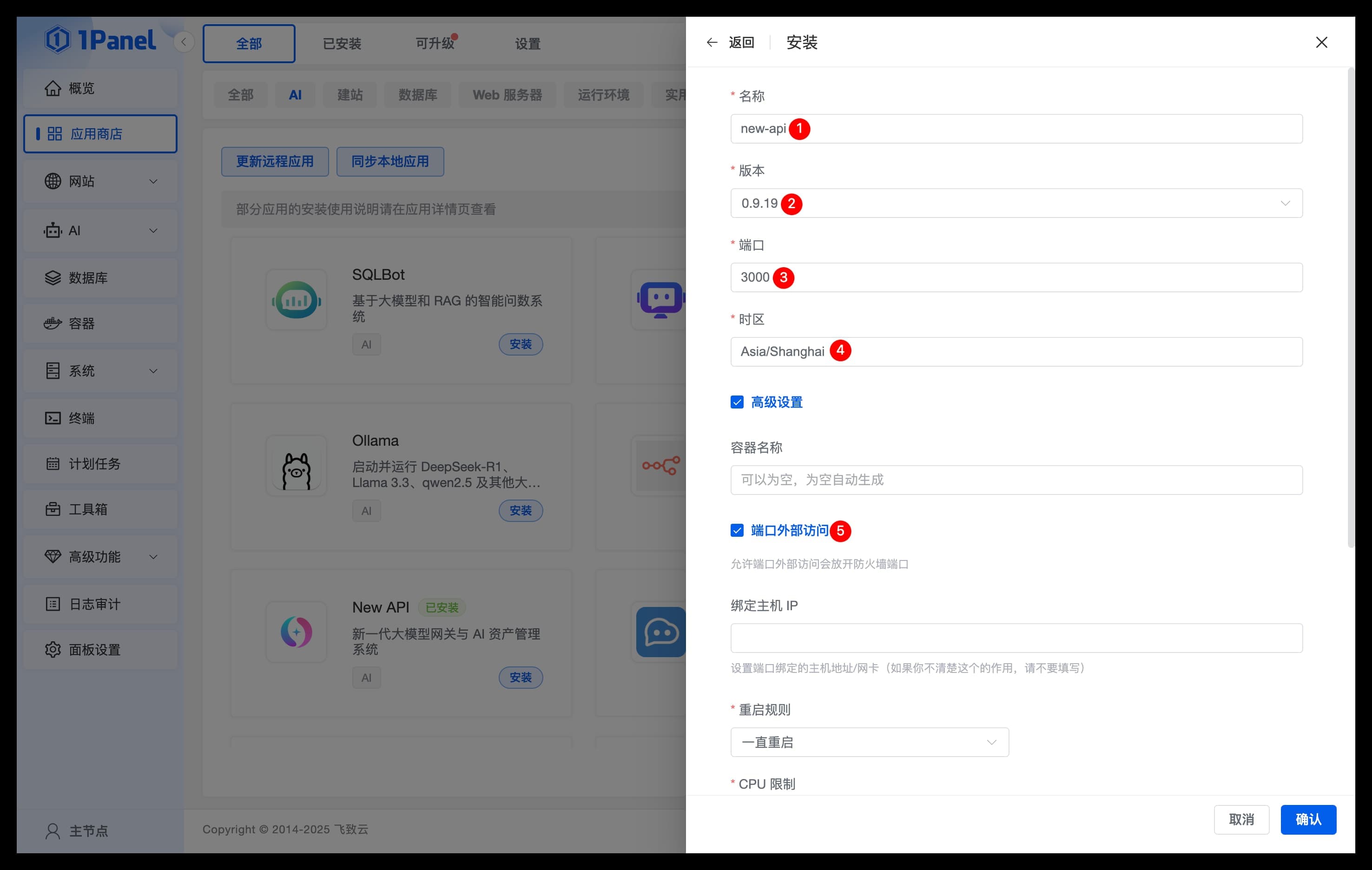
Configure Parameters
- Name: The name of the Lamafa application to be created
- Version: Select the version of Lamafa
- Port: The service port for the Lamafa application
- Timezone: Enter the timezone where the server is located (default Asia/Shanghai)
- Advanced Settings: Be sure to check external port access
Confirm Installation

Step 3: Configure Environment Variables (Important)
After installation, it is recommended to configure the following key environment variables:
Required Environment Variables
| Variable | Description | Required |
|---|---|---|
SESSION_SECRET | Session secret, must be consistent for multi-node deployment | Required |
CRYPTO_SECRET | Encryption secret, required when using Redis | Conditional |
Configuration Method
- In the 1Panel application list, click the Parameters button for the Lamafa application
- Add in the environment variables section:
SESSION_SECRET=your_random_secret_keyCRYPTO_SECRET=your_crypto_secret_key(optional)
- Click Confirm to save the configuration
- Restart the application for the configuration to take effect
Generate Random Secrets
# Generate SESSION_SECRET
openssl rand -hex 16

# Or use Linux command
head -c 16 /dev/urandom | xxd -p
Step 4: Access Lamafa

The first visit will automatically guide you to the initialization page. Follow the on-screen instructions to set up an administrator account and password.
Common Issues
Cannot access application interface
- Check if the application status is "Started"
- Confirm that the port is correctly mapped and open
- Check the server firewall and cloud server security group
Session invalid after login
Ensure the SESSION_SECRET environment variable is set and not empty.
How to update version
- Log in to 1Panel panel, go to App Store → Upgradable page
- Find the Lamafa application, click the Upgrade button
- Select the target version, click Confirm
How to persist data
1Panel applications store data in Docker volumes by default. To customize storage location:
- In the application parameter settings, configure directory mapping
- Ensure the
/datadirectory is mapped to persistent storage
Related Links
How is this guide?