

Factory Droid CLI
Factory Droid CLI setup guide — install and configure this AI software engineering agent with Lamafa. Supports end-to-end development from planning to testing.
Demo
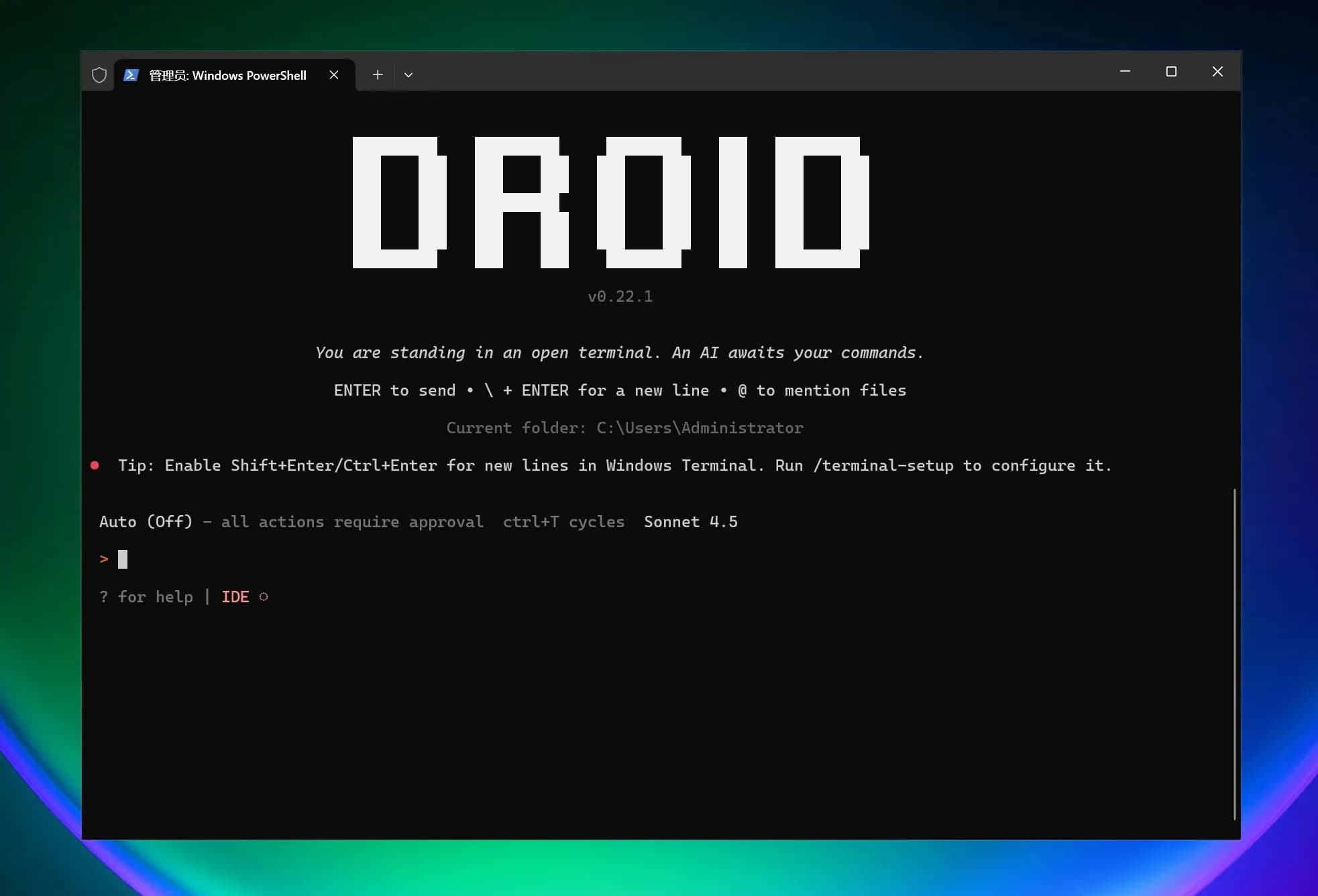
Features
| Category | Feature | Value/Capability | Example/Notes |
|---|---|---|---|
| Quick Start with CLI | 30-second installation; launch droid interactive session in project directory; supports macOS/Linux and Windows | Rapid integration into current projects, no new tools required | Windows Installation: irm https://app.factory.ai/cli/windows | iex; Launch: droid |
| End-to-End Feature Development | Full-process automation from planning to implementation to testing; transparent review process | Accelerate delivery, maintain human oversight | Native diff viewing and approval process (see "Transparency and Control") |
| Deep Codebase Understanding | Integrates organizational shared knowledge from codebases, documentation, issue tracking; context-aware, improves over time | More accurate suggestions and changes | Continuously leverages knowledge across repositories and documents |
| Engineering System Integration | Native integration with Jira, Notion, Slack, and other tools; development work stays synchronized with team processes | Reduce tool switching and information silos | "etc." indicates more integrations |
| Production-Grade Automation | Workflows reusable locally and in CI/CD; enterprise-grade security and compliance built-in | Consistency and auditability | Adapts to pipelines and enterprise environments |
| Enterprise Capabilities | Private deployment options, SOC-2 compliance, air-gapped environments | Meets security and compliance requirements | Prioritizes security and quality |
| Enhance Existing Tools | Works in terminal, IDE, and existing development environments; no need to switch editors or learn new interfaces | Maintain existing work habits, low migration cost | Deep integration with familiar tools |
| Transparency and Control | Every decision is visible and reviewable; complete oversight of code changes; native diff viewing and approval workflows | Reduce risk, enhance controllability | Audit-friendly, traceable |
| Model Flexibility | Not locked to a single AI provider; choose the best model per task; consistent organizational behavior and memory | Optimal choice between performance and cost | Supports multi-model routing |
| Next Steps & Resources | Quickstart, Common Use Cases, IDE Integration, Configuration, AGENTS.md | Facilitates adoption and practice | See "Next steps/Additional resources" on the page |
AI Model Configuration Method
Windows Graphical Guide
1. Open Terminal

2. Install Factory Droid CLI
Official one-click installation command:

3. Modify Configuration File
Droid CLI requires modifying the configuration file to use third-party APIs.

4. Start Using Droid CLI
Now you can start using Droid CLI!
Droid CLI requires users to log in to an official account (free) before use.
5. Windows Common Issues Solution
macOS/Linux Graphical Guide
1. Install Droid CLI


Follow the installation prompts to modify environment variables (copy the installation prompt code directly):
For Linux, choose ~/.bashrc or ~/.zshrc as appropriate.
2. Modify Configuration File
Droid CLI requires modifying the configuration file to use third-party APIs.

3. Start Using Droid CLI
Now you can start using Droid CLI!
Droid CLI requires users to log in to an official account (free) before use.
How is this guide?